Tips for Beginner video editors & designers.
If you’re a user of after effects or premiere pro. Here are just a handful of pro-tips that I often use that may help push the quality of the content to a little more refined appeal.
Tip 1 : Texturing text.
Blending text into textures is all details.
Here’s 3 stacked effects, you can use to avoid an uncanny look:
1) turbulent displace; scale the size to 2/3, subtly breaking sharp edges of text.
2) displacement map, valuing it to the texture below the text. This bends it with the surface below.
3) add noise inside of the text using ‘HLS noise auto’, scale grain size, matching granularity of the texture applicable.
Pro Tip : Nudge the colour slightly off from pure colour and it’ll appear a lot more natural.
Sorting through low resolution, old, images; you must rely on a method that can act as cohesion and enhancement.
This can be accomplished with 2 steps.
1 ) build a colour system.
When picking colours, make the whites toward yellow, the blacks more blue. Applicable using the ‘Tint’ effect.
2 ) Hide low quality assets with high quality texture.
It helps disguise low qualities and lean to a more printed aesthetic.
You can find quality textures that are free to use at : texturelabs.org
Apply the texture to the photo as a Luma Matte. Tweak the levels until it feels right to you.
Tip 2 : Collage Image Editing.
Tip 3 : Music for Education.
Just like how horror may use rising violins to increase heart-rate, how comedy uses laugh tracks to guide reaction; often, educational videos will use this :
https://www.youtube.com/watch?v=L1dSHiUMLl4
(Credit : USCO Media [YouTube] ‘No Copyright Marimba Music…’)
This is a ‘Marimba’, cemented into documentary culture over decades of TV; the unofficial sound for education.
The sound frequency naturally doesn’t compete with your narrator. It’s emotionally neutral, helping viewers stay focused. We’ve of Pavlov’ed into tying it to signify information.
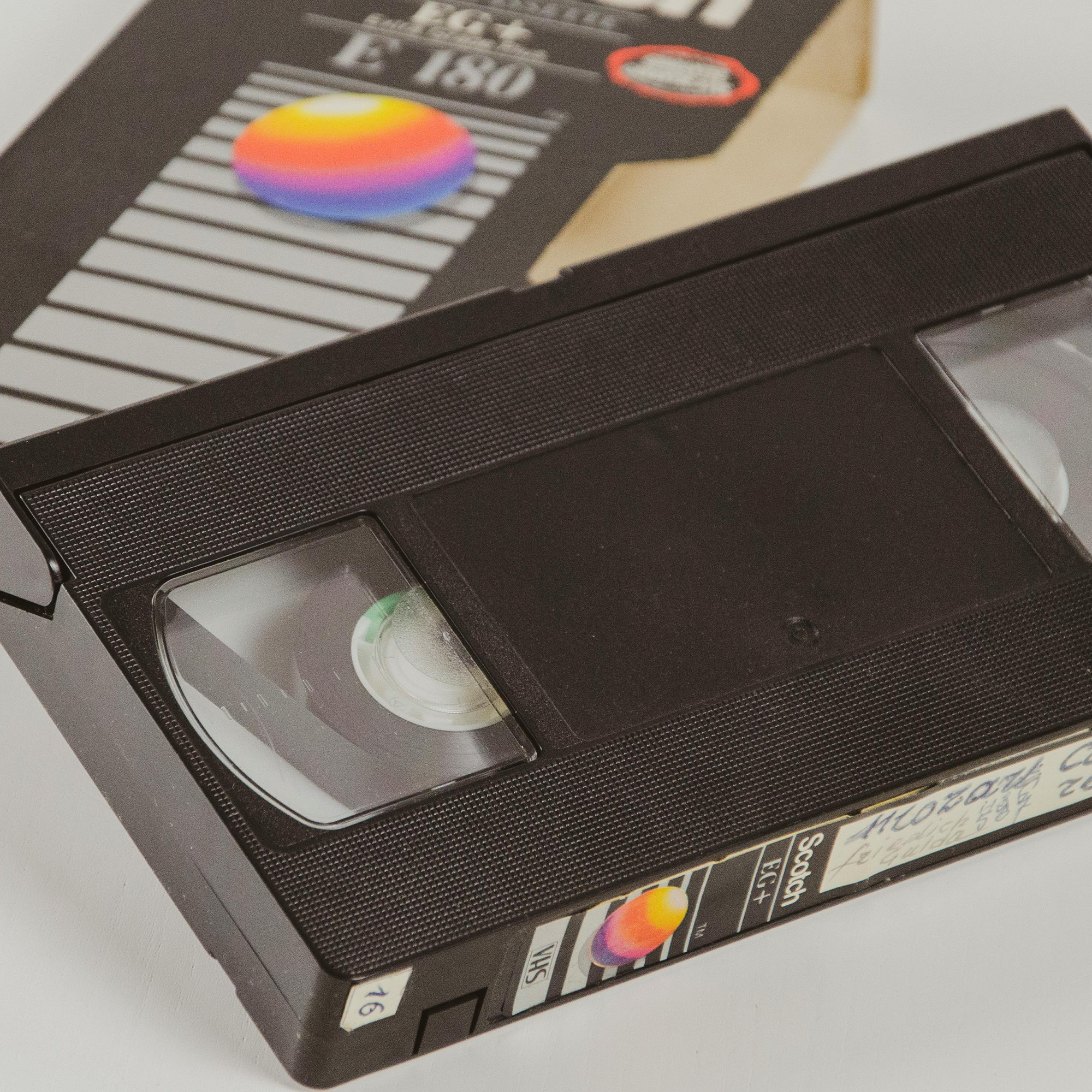
Here’s how you can stop your digital recordings feeling flat & lifeless.
1 ) Venetian blinds - use these for thin scan lines.
2 ) Chromatic aberration - this applies a red/blue overlay across each side of any given part of the image.
3 ) CC Lens - A subtle bowing that screens normally gain when recorded.
Tip 4 : Digital Texturing.
Tip 5 : Tactile sound design.
List of useful sound effects ideas that help create tactile sound designs for your work :
Paper movement | felt marker | film camera shutter snap | VHS cassette snap-in | circuit breaker | sticky note peel | typewriter | mechanical button click | pencil scratch | zipper | drawer slam | coin spin | match strike | light switch flick | cloth movement | chalk drag
You can source free sound effects from the world around you, or :
freesound.org